The fastest iPhone water remover is a low tone played through the speaker. Open our water eject tool in Safari, turn off Silent mode, raise the volume to maximum and press Start with the bottom of the iPhone pointing down. After that, a few soft taps against your hand, somewhere breezy to dry, and no charging cable until it's properly dry.
Every iPhone since the 7 has some water resistance, so a splash or a quick dunk usually isn't the end of the world. What tends to stick around is the sound. Water sits in the grille and the speaker goes all muffled. That part's quick to sort. Drying the rest of the phone takes longer, and Apple's got its own advice on that, which I've boiled down below (with a link so you can check it yourself).
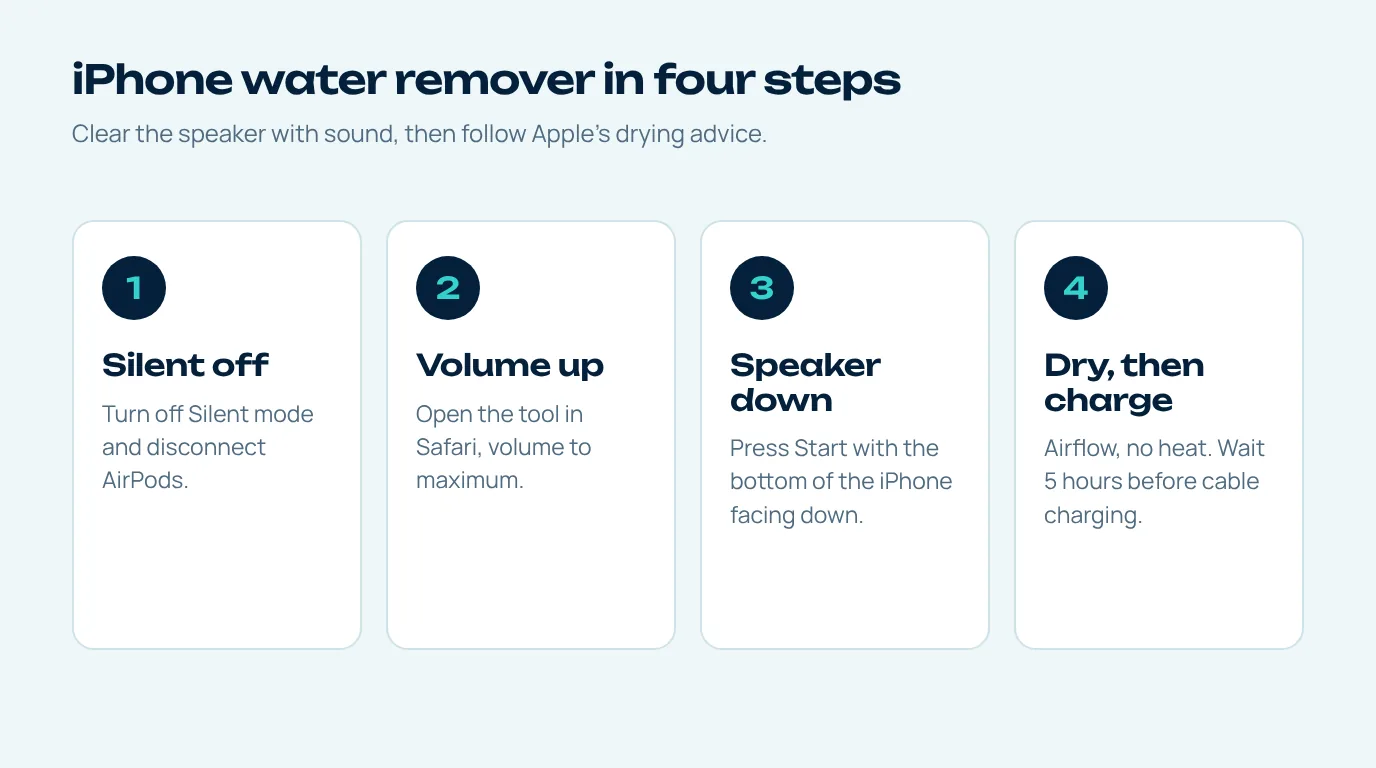
How to get water out of iPhone speaker in one minute
- Turn off Silent mode. On iPhones with a Ring/Silent switch, move it so the orange isn't showing. On models with the Action button, check Control Center. Browser audio can stay muted otherwise.
- Disconnect AirPods. If AirPods or another Bluetooth device are connected, the sound plays there instead.
- Take off the case. Water collects in the gap between the case and the bottom edge.
- Volume up, bottom down, Start. Open the tool in Safari, raise the volume to maximum, point the bottom speaker at the floor and press Start.
- Second run for the earpiece. iPhones from the 7 onward play stereo through the earpiece too, so run it again upside down if calls sound muffled.
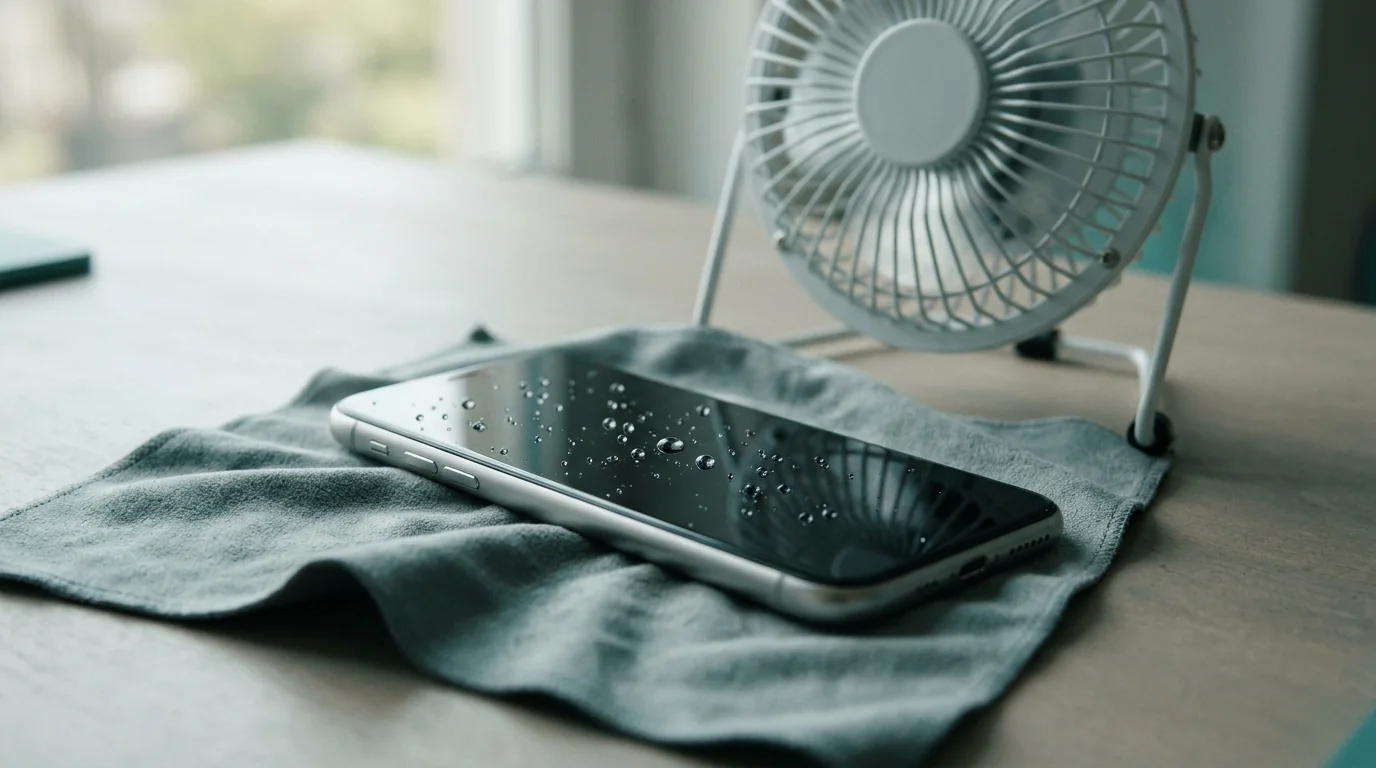
Apple's own steps for a wet iPhone
Apple's support article on water resistance spells out what to do when liquid gets in (Apple Support). Boiled down, it goes like this. If it wasn't plain water, rinse that spot with a little tap water and wipe it with a soft cloth that won't leave fluff. Tap the iPhone gently on your hand with the connector pointing down so the excess runs out.
Then leave it somewhere dry where the air moves (a fan blowing cool air into the connector can help). No heat, though, and nothing poked into the connector, not a cotton bud, not a twist of paper towel. And the bit people skip: wait at least five hours before charging with a cable or plugging any accessory in.
Apple even mentions that liquid in the port can make the speaker or microphone sound worse until it evaporates, and suggests laying the iPhone speaker-side down on a cloth to see if water drips out. The water eject tool is really just a faster version of that.
iPhone water remover vs the Water Eject shortcut
You may have seen a "Water Eject" shortcut for the Shortcuts app. It's a community-made shortcut, not an Apple feature, and it does the same basic thing as this page: plays a low tone at full volume. The differences are practical.
| This page | Shortcut or app | |
|---|---|---|
| Install | Nothing, opens in Safari | Add shortcut or download app |
| Patterns | Four, plus speaker test and tone | Usually one tone |
| Ads or subscriptions | None | Many apps have them |
| Works on iPad and Mac | Yes, any browser | Depends on the shortcut or app |
Want this iPhone water remover on your home screen for next time? In Safari, tap Share, then Add to Home Screen, and from then on it opens like an app.
What iPhone water resistance actually covers
Apple publishes the rating for every model, and they're not all the same. iPhone 12 and later are rated IP68 at a depth of up to 6 metres for up to 30 minutes, while the iPhone 7, 8, X, XR and the second and third generation SE are rated IP67 at up to 1 metre for up to 30 minutes.
Apple also notes that resistance isn't permanent and might decrease as a result of normal wear, and that liquid damage isn't covered under warranty. The ratings themselves come from the IEC 60529 IP code, which tests fresh water under lab conditions, not pools, sea water or drinks.
So a resistant phone is not a waterproof one, and that's exactly why an iPhone water remover is handy to keep around. Clearing the speaker with sound and drying the port properly is still worth doing every time.
Don't put your iPhone in rice
This one is worth repeating. Apple's guidance tells iPhone owners not to put the phone in a bag of rice, because small particles of rice could damage it. That advice got wide coverage in early 2024 (Euronews). Airflow at room temperature does the job without the risk.
If the speaker still sounds wrong after drying, see our guide to water in speaker symptoms, or check each speaker with the water sound test.
Questions people ask
Does the iPhone have a built-in water eject feature?
No. Apple Watch has Water Lock, which plays tones to clear its speaker, but iPhone has no built-in equivalent. A browser tool or a community shortcut plays a similar tone.
Why can't I hear the water eject sound on my iPhone?
Most often Silent mode is on or AirPods are connected, so the iPhone water remover is playing somewhere else or not at all. Turn Silent mode off, disconnect Bluetooth audio and raise the volume to maximum, then try again.
How long should I wait before charging a wet iPhone?
Apple says to wait at least five hours before charging with a cable or connecting an accessory. You can charge wirelessly once the outside of the phone is wiped and dry.
What does the Liquid Detected alert mean?
It means the iPhone detected liquid in the charging connector. Unplug the cable, follow Apple's drying steps and wait until it is dry before charging with a cable.
Does the iPhone water remover work on iPad?
Yes, the iPhone water remover works on iPad too. Open the page in Safari on the iPad, turn the volume up and point the speaker grille downward. Most iPads aren't rated water resistant, so dry them carefully.