This mobile water sound plays a 165 Hz tone in short bursts through your Android phone's speaker. Turn the media volume to maximum (not the ringer volume), point the bottom speaker at the floor and press Start. After a minute, wipe the grille and play something to check the sound is clear.
Android phones don't come with a built-in water eject feature, which is why so many people search for a water eject Android app. You don't actually need one. A phone water sound only has to be a loud, low tone played through the speaker, and any modern browser can generate that on the spot using the Web Audio API. That's all this page does, with no ads and no permissions to approve.
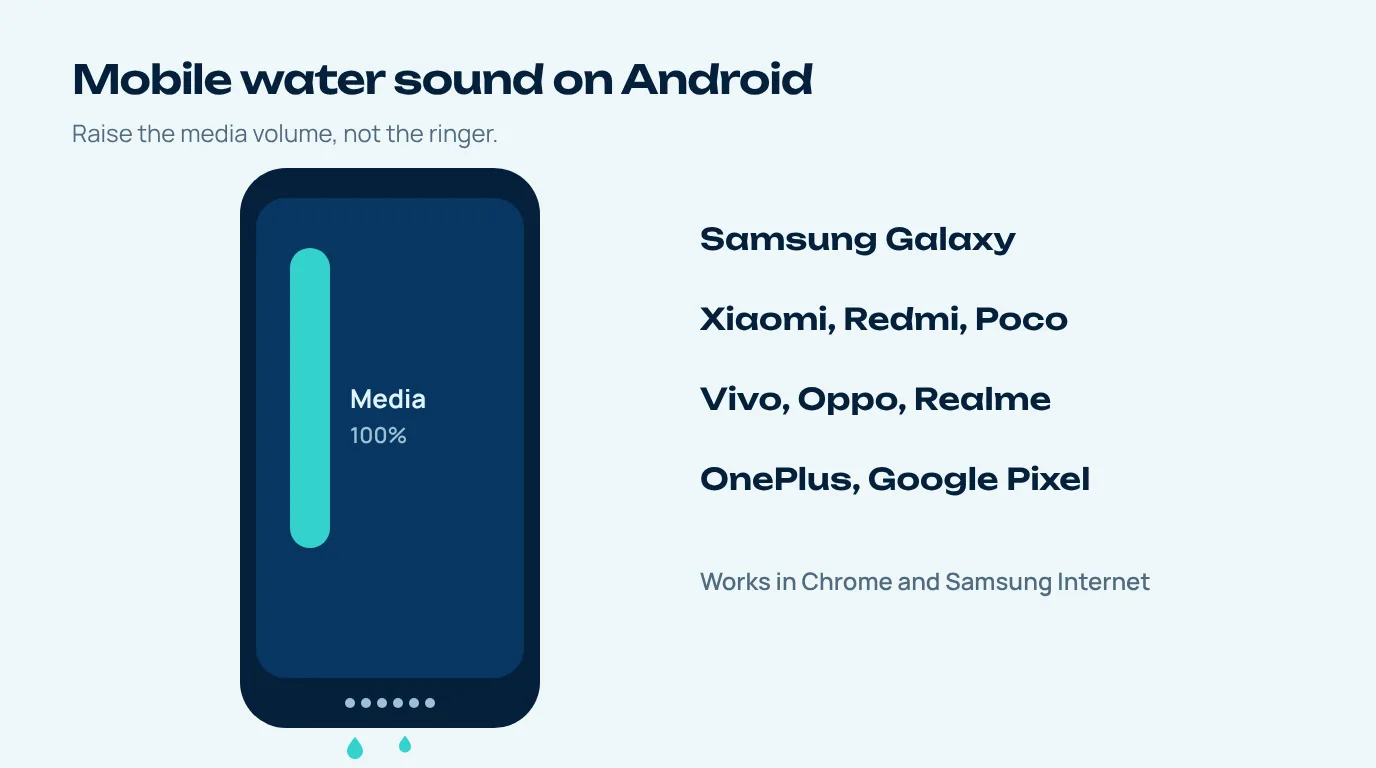
How to play the mobile water sound on Android
- Media volume, not ringer. Hit volume up and, when the little panel pops out, check it's the media slider you're pushing to the top. Plenty of phones nudge the ringer by default, and that does nothing for sound coming out of a browser.
- Bluetooth off. Got earbuds or the car still connected? Then that's where the sound's going. Switch Bluetooth off for a minute.
- Remove the case. Thick cases often have a lip right at the speaker opening, and water likes to collect there.
- Speaker down, press Start. Bottom edge towards the floor, tap Start, and then just leave it alone for the whole minute.
- Check and repeat if needed. Play a voice clip. If it still sounds dull, run it again or switch to the vibration pattern.
Phone water sound on Samsung, Xiaomi, Vivo and other brands
The tool works the same on every Android brand because it only needs a browser. A few brand-specific details are worth knowing, though.
| Brand | Speaker layout on most recent models | Tip |
|---|---|---|
| Samsung Galaxy | Bottom speaker plus earpiece for stereo | Run once bottom-down and once top-down. A moisture warning on the port means the bottom edge is wet. |
| Xiaomi, Redmi, Poco | Bottom speaker, many with stereo earpiece | Some models also have a top speaker grille; run it top-down too. |
| Vivo, Oppo, Realme, OnePlus | Bottom speaker, stereo on many mid-range and higher models | Check the media volume slider, not the ringer. |
| Google Pixel | Bottom speaker plus earpiece | Works in Chrome; keep the screen on while it plays. |
Samsung's own advice when moisture is detected is to gently shake the device to help remove water from the port, let it evaporate (usually about one to two hours) and never insert anything into the port (Samsung UK). The mobile water sound handles the speaker; that advice handles the port.
Why a water mobile sound works better than vibration mode
You could put the phone on vibrate and get a mate to ring it, hoping all that shaking sorts it out. It helps a bit, sure, but the motor's buzz gets spread through the whole phone. The speaker sound goes right to the source. It makes the diaphragm sitting just behind the grille pump in and out, shoving air through the exact holes the water's blocking (if you're curious how the diaphragm and coil actually work, Wikipedia's loudspeaker page covers it).
Oh, and a practical one. Some phones pause browser sound the moment the screen dims or you flick to another app, so keep this page open and the screen awake until the timer's done. Want it handy next time? In Chrome's menu, tap Add to Home screen and it'll open more or less like an app.
If a buzz or fizz is left after the first run, the dedicated water vibration sound uses a rougher wave that's better at shaking a stubborn droplet.
Water in mobile speaker after rain or a wash
The two most common cases are rain and a phone left in a pocket during laundry. Rain usually means a small amount of water on the outside grille, which a single run clears. A washing machine is more serious: the phone may have spent a long time under water with detergent. Run the sound to clear the speaker, but also rinse off any soapy residue with a little fresh water, dry the phone properly, and expect the port and microphones to need more time.
And whatever happened, skip the rice. Apple tells iPhone owners that small rice particles can damage the phone, and the same logic applies to any phone with open ports and grilles (Euronews). Airflow and time are better. The full routine is on our how to remove water from phone guide.
Questions people ask
Is there a water eject feature on Android?
Android doesn't have a built-in water eject button. A browser-based mobile water sound like this one does the same job without installing anything.
Why is the sound so quiet on my Android phone?
You are probably adjusting the ringer volume instead of media volume. Press volume up, open the volume panel and raise the media slider to the top. Also check that no Bluetooth device is connected.
Does the mobile water sound work on Samsung Galaxy phones?
Yes. It plays in Chrome or Samsung Internet. Run it once with the bottom speaker down and once with the top edge down, since many Galaxy models use the earpiece as a second speaker.
Can I use it with the screen off?
Keep the screen on while it plays. Some phones pause browser audio when the screen turns off or when you switch apps.
Do I need a water eject app for Android?
No. Apps and this page generate the same kind of low tone. A browser tool avoids ads, permissions and storage space.