Water in speaker grilles usually shows up as a muffled or crackly sound right after the phone got wet. Play our free water eject sound at full volume with the speaker facing down, then let the phone air dry for an hour or two. Totally silent, or still distorted the next day? Then it's worth getting it looked at.
Sound comes out of more than one spot on your phone, and water messes with each of them a little differently. So before you fix anything, spend half a minute working out which speaker's wet and what exactly it's doing. Sounds fussy, I know, but it stops you running the wrong fix on the wrong bit.
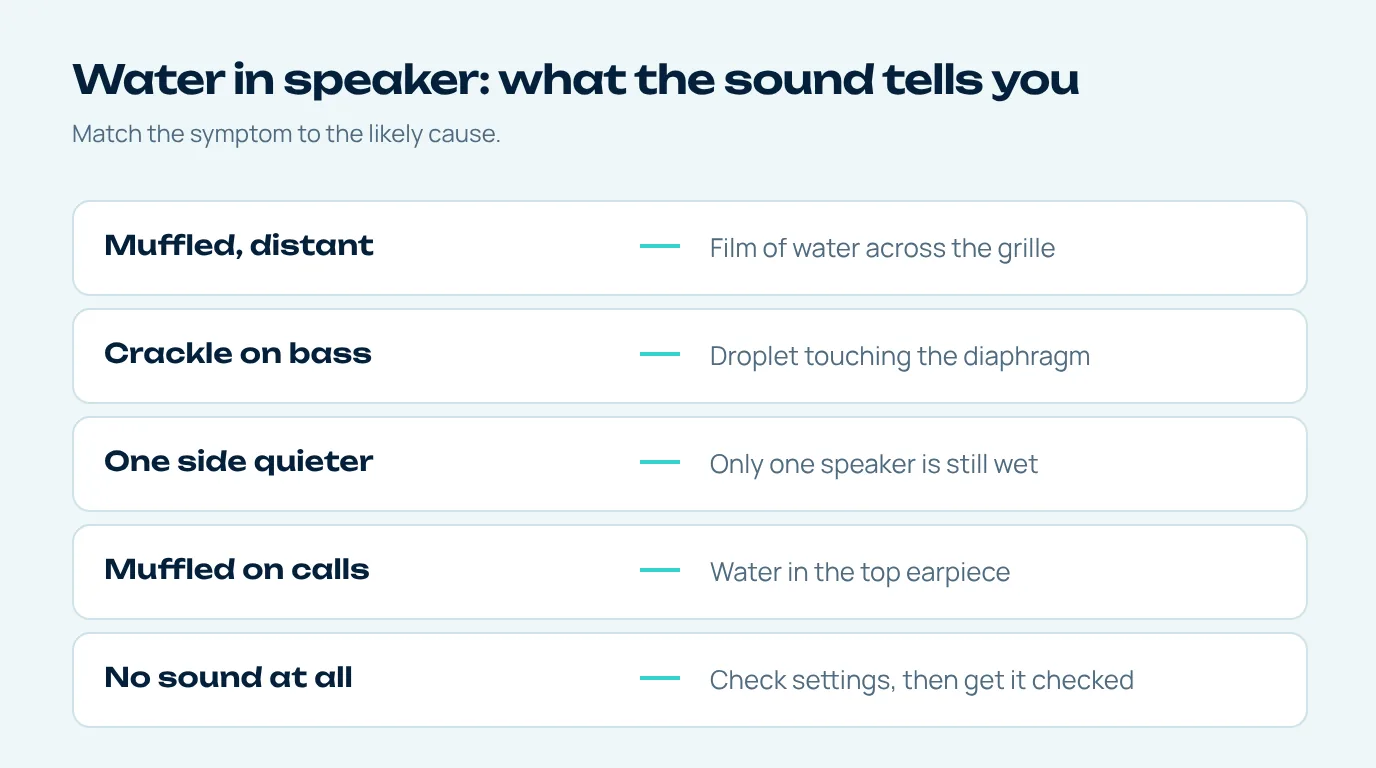
Signs of water in phone speaker grilles
Put on a song or, better, someone talking, and really listen. Then find what you're hearing in the table. Think of it as a rough guide to the usual suspects rather than a diagnosis.
| What you hear | Likely cause | First thing to try |
|---|---|---|
| Muffled, distant, "under a blanket" | A film of water across the grille | Water eject sound, speaker down |
| Crackle or fizz on bass notes | Droplet touching the speaker diaphragm | Vibration pattern, then air drying |
| Quieter on one side | Only one speaker (bottom or earpiece) is wet | Run the sound with that speaker facing down |
| Muffled only on calls | Water in the earpiece at the top | Hold the phone upside down for a run |
| No sound at all | Settings, or water reached the speaker module | Check Silent mode and Bluetooth, then dry fully |
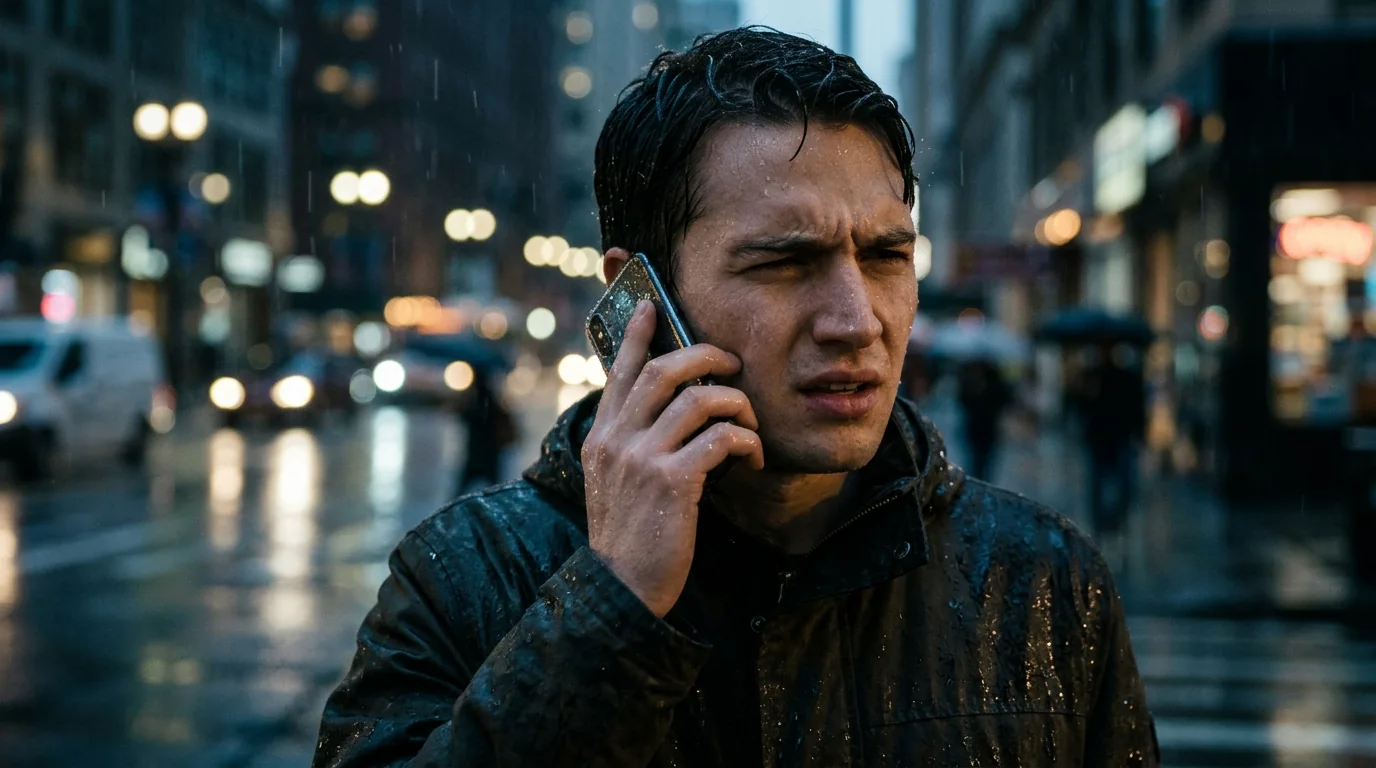
How to clear water in speaker grilles
For the bottom speaker, the routine is the same as on our remove water from speaker guide: volume at maximum, speaker edge pointing down, then play the low tone for a minute. Those pulses blow air out through the grille from behind until the film of water clinging to it gives up.
Earpiece wet? Flip the phone upside down so the top edge points at the floor and run it again. Most recent phones use the earpiece as a second speaker for stereo, so it'll play the tone as well. Older ones only use it for calls, and then the tone might not reach it at all, so you're down to gentle taps with the top edge down and a bit of patience while it air dries.
After both runs, give the phone a few light taps against your palm. Apple recommends tapping a wet iPhone gently against your hand with the connector facing down to get rid of excess liquid (Apple Support).
Water in iPhone speaker vs Android speaker
The physics is the same on every phone, but a few details differ. iPhones show a "Liquid Detected" alert on the newer models when the charging connector is wet, and Apple advises not charging with a cable until it's dry. Samsung Galaxy phones show a moisture warning instead, and Samsung notes the moisture usually evaporates from the port in about one to two hours (Samsung UK).
Neither warning is about the speaker itself, but they tell you water got into the bottom edge of the phone, which is exactly where the main speaker sits. If you see one, it's very likely the speaker grille is wet too. Our iPhone water remover guide and the mobile water sound page for Android go into each one separately.
Water in speaker but no sound at all
A completely silent speaker is a different situation from a muffled one, and it isn't always water. Before assuming the worst, go through the basics Apple lists for no sound or distorted sound: turn off Silent mode, check Do Not Disturb, remove any case or screen protector, look for blockage in the opening and clean it with a small, soft-bristled brush that's clean and dry (Apple Support). Also make sure no Bluetooth headphones are connected, because the sound may simply be going there.
If the settings are fine and the phone has dried for a day, but the speaker stays silent or plays only static, water may have reached the speaker's electronics. That's a repair job rather than something a sound can fix.
How long does water in speaker take to go away?
With the water eject sound, the muffled effect is mostly gone in a minute or two. Leave it to nature and a thin film in the grille can hang around for hours, even longer if the room's cold or damp. And the rest of the phone, the port and microphones and the little gaps round the buttons, dries whenever it feels like it, which is exactly why the phone makers tell you to wait before charging with a cable.
A good rule: clear the speaker with sound, leave the phone somewhere with airflow, and test again later with the water sound test. If the sound is clean across the whole sweep, the water is gone.
Questions people ask
How do I know if there is water in my speaker?
Usually it's obvious: everything sounds muffled or far away, the bass crackles, or one speaker's suddenly quieter than the other, all right after the phone got wet. A water warning when you plug in is another big clue.
Will water in speaker go away on its own?
Usually, yes, as it evaporates, but it can take hours. A water eject sound clears most of it in a minute, which also lowers the chance of residue drying on the mesh.
Can water in phone speaker damage it permanently?
Plain water you clear out fast rarely does lasting harm to a water-resistant phone. Salt water and sugary drinks are a different story, and so is water that got to the electronics inside, so rinse anything sticky off with fresh water and let the phone dry properly.
Why is only my call speaker muffled?
Because calls come out of the earpiece up top, and that's the bit that's wet. The bottom speaker can sound perfectly fine meanwhile. Run the water eject sound with the phone held upside down.
Is it safe to keep using the phone with water in the speaker?
Using it's generally fine. Just don't charge it with a cable while the port's wet; clear the speaker with the sound, let it dry, then plug it in.