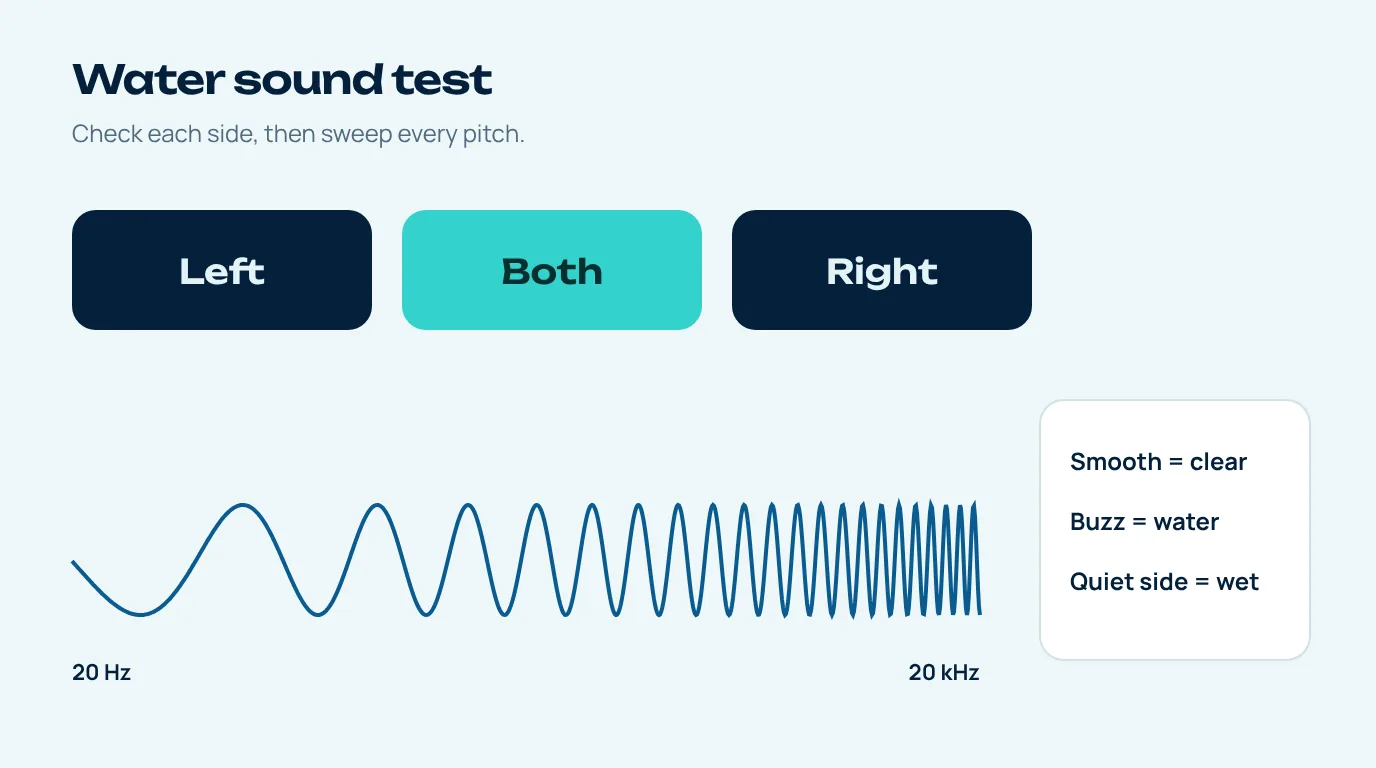
The tool up top is already open on the Test speaker tab, ready for a water sound test. Tap Left, then Right, then Both, and listen to each one on its own, then run the sweep that glides from 20 Hz all the way to 20 kHz. Does one side sound quieter, dull or buzzy? Then there's still water in it, so go back to the water eject sound and run it again with that speaker pointing down.
Once you've cleared a wet speaker, the obvious move is to put a song on. Fair enough, but a song is a terrible test. It mixes everything together and plays out of both speakers at once, so if one of them is still a little waterlogged the other one covers for it and you'd never notice. A proper water sound test pulls the two speakers apart and walks through every pitch on its own, and that's what makes the leftover water easy to catch.
How to run the water sound test
- Volume at about two thirds. You don't need it maxed out for testing, and at a medium level the small buzzes are actually easier to pick out.
- Left, then Right. Each button plays three short beeps on one channel only. On a phone with stereo speakers one side comes out of the bottom speaker and the other out of the earpiece (which is "left" depends on which way you're holding it, so turn it sideways if you're unsure).
- Then Both. Now both speakers play together, and they ought to sound roughly even.
- Run the sweep. Ten seconds, from a deep 20 Hz rumble up to a 20 kHz whine. Listen for the moment it crackles, rattles or cuts out, if it does.
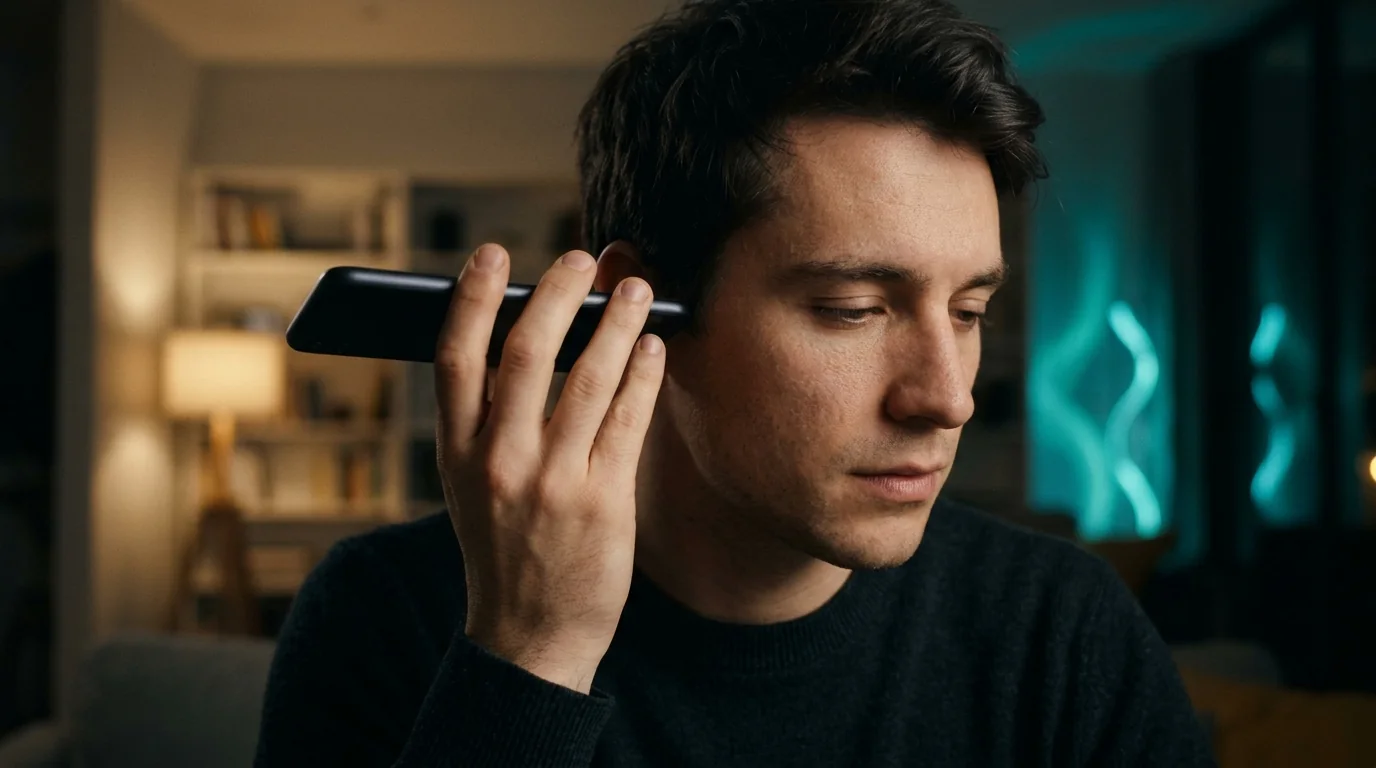
Reading the result of a sound test after water
| What you hear | What it usually means | Next step |
|---|---|---|
| Clean beeps, smooth sweep | Speaker is clear | Nothing more to do |
| One side quieter or dull | Water still in that speaker | Run the water eject sound with that side facing down |
| Buzz or rattle at low pitches | Droplet touching the diaphragm | Try the vibration pattern, then air dry |
| Sweep cuts out briefly | Water blocking the grille | Run the deep clean pattern |
| One side silent | Settings, case, or a fault | Check Silent mode and case; if still silent, get it checked |
One thing that surprises people on their first water sound test: can't hear the very start or the very end of the sweep? Don't panic, that's normal. Phone speakers are far too small for deep bass, and our ears only cover roughly 20 Hz to 20 kHz anyway, with the top end quietly fading as we get older (Wikipedia: Hearing range). The bit that matters is the middle stretch, which should glide past smoothly without any rattling.
Why the frequency sweep is the best water test
Water is picky about which pitches it messes with. If a droplet is resting right on the speaker diaphragm it tends to buzz when the diaphragm swings a lot, and that happens on the low notes. If there's a thin film across the grille instead, it soaks up the higher notes and everything goes a bit dull and woolly. One beep only checks one pitch. The sweep checks the lot in ten seconds and tells you exactly where things go wrong, which is kind of the whole point.
It's generated live in your browser through the Web Audio API, by the way, so it doesn't suffer from the squashed, compressed audio you get with test videos.
Check the other parts too
A speaker test tests the speakers, and that's it. Water can get into the microphones as well, and you'll usually find out on a call when someone says you sound like you're in a tunnel. There isn't a sound that clears a microphone, so those just need time and some airflow. Then there's the charging port, which is the one to be careful with: Apple says to wait at least five hours before charging a wet iPhone with a cable (Apple Support).
It's also worth running the water sound test again an hour or two later. A speaker that sounds slightly off straight after a run often settles once the last bit of moisture in the grille evaporates, so the second go gives you a fairer picture.
The water sound test covers the speakers only. For the microphone, the easy check is to record a quick voice memo in the phone's own app and play it back. Sounds muffled compared with normal? Give the phone longer to dry and try again later.
When a failed sound test means repair
Say you've cleared the speaker with sound and the water sound test still isn't clean. You've left the phone a full day to dry, and the test still shows a problem. At that point it's probably not water in the grille any more. Apple's troubleshooting advice is to look for blockage, clean the opening with a small, soft-bristled brush, and if you still get no audio or only crackling, get the device serviced (Apple Support).
Same goes for any other brand. If you want to match the sound you're hearing to a likely cause first, our water in speaker guide goes through them one by one.
Questions people ask
How do I test my speaker after water damage?
Run a water sound test: play the left and right channels separately and then run a frequency sweep. If both sides sound about the same and the sweep glides through without buzzing, you're clear.
Why is one speaker quieter after getting wet?
Usually because only that one still has water in its grille. Run the water eject sound with that speaker pointing down, then test again.
Why can't I hear the start of the sweep?
Phone speakers are just too small to play really deep bass, so the first part from 20 Hz is quiet or silent on most phones. Nothing to worry about.
Which speaker is left and which is right?
That depends on how you hold the phone. Sideways, left and right line up with the bottom speaker and the earpiece; upright, many phones mix the two together. Turn it sideways for the clearest test.
Can the water sound test damage my speaker?
No. A water sound test is three short beeps per side and a ten-second sweep at a medium level. Just keep the volume below max for the sweep, especially near the high end.